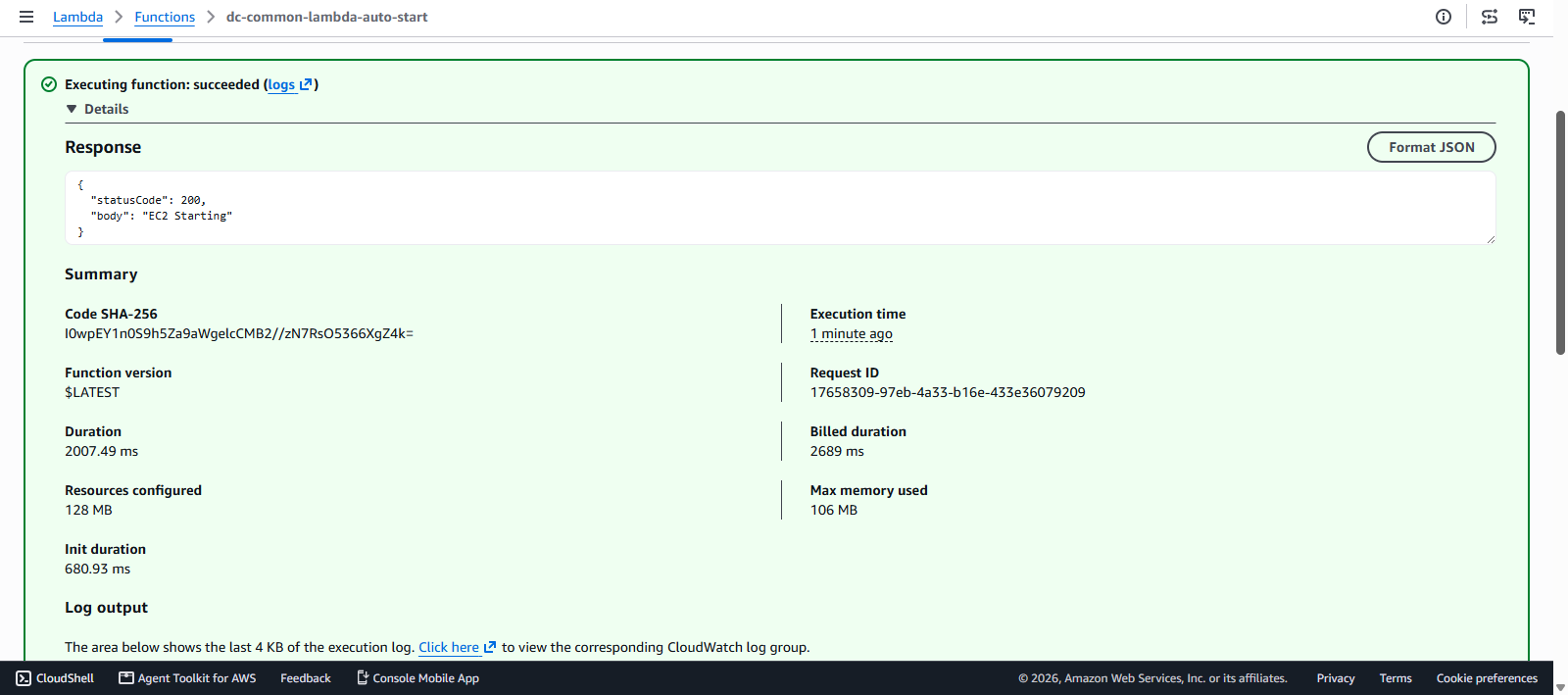
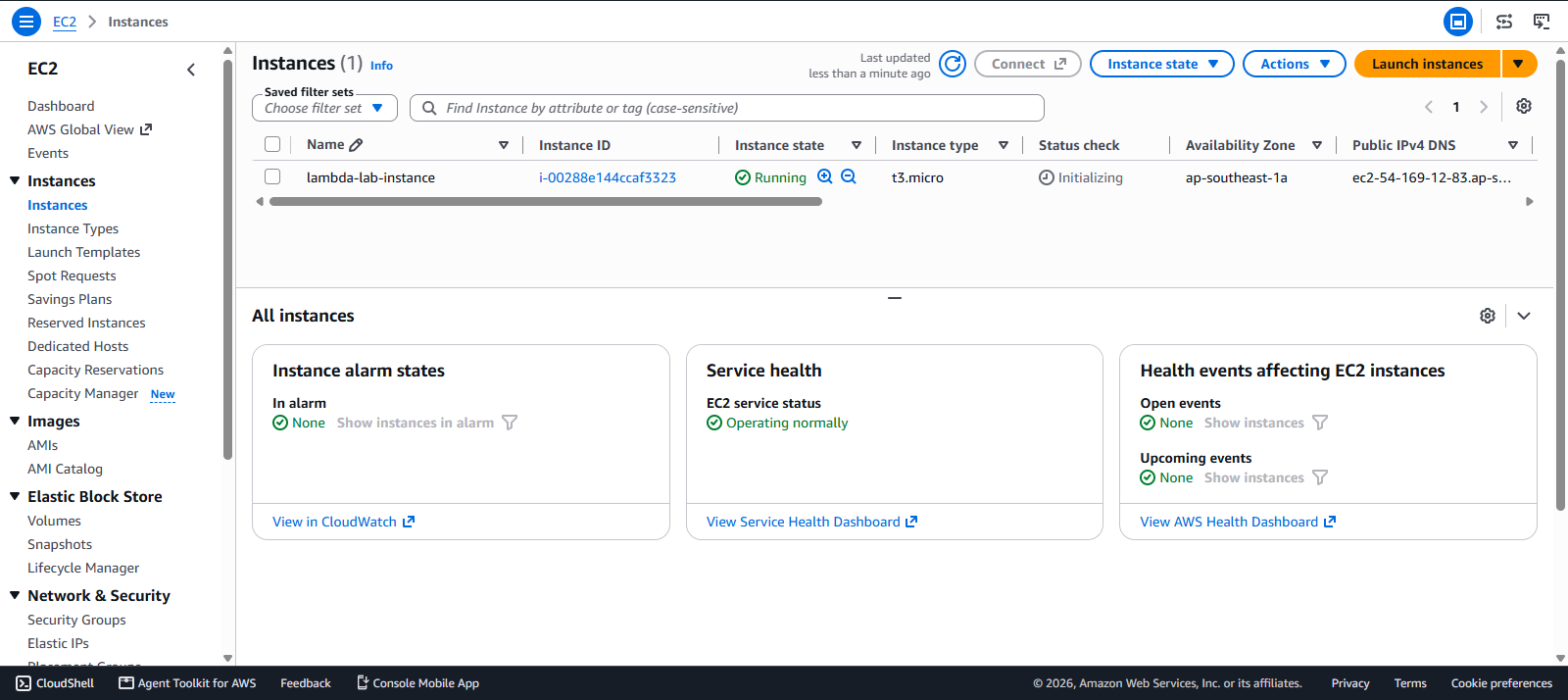
Testing results
Testing results
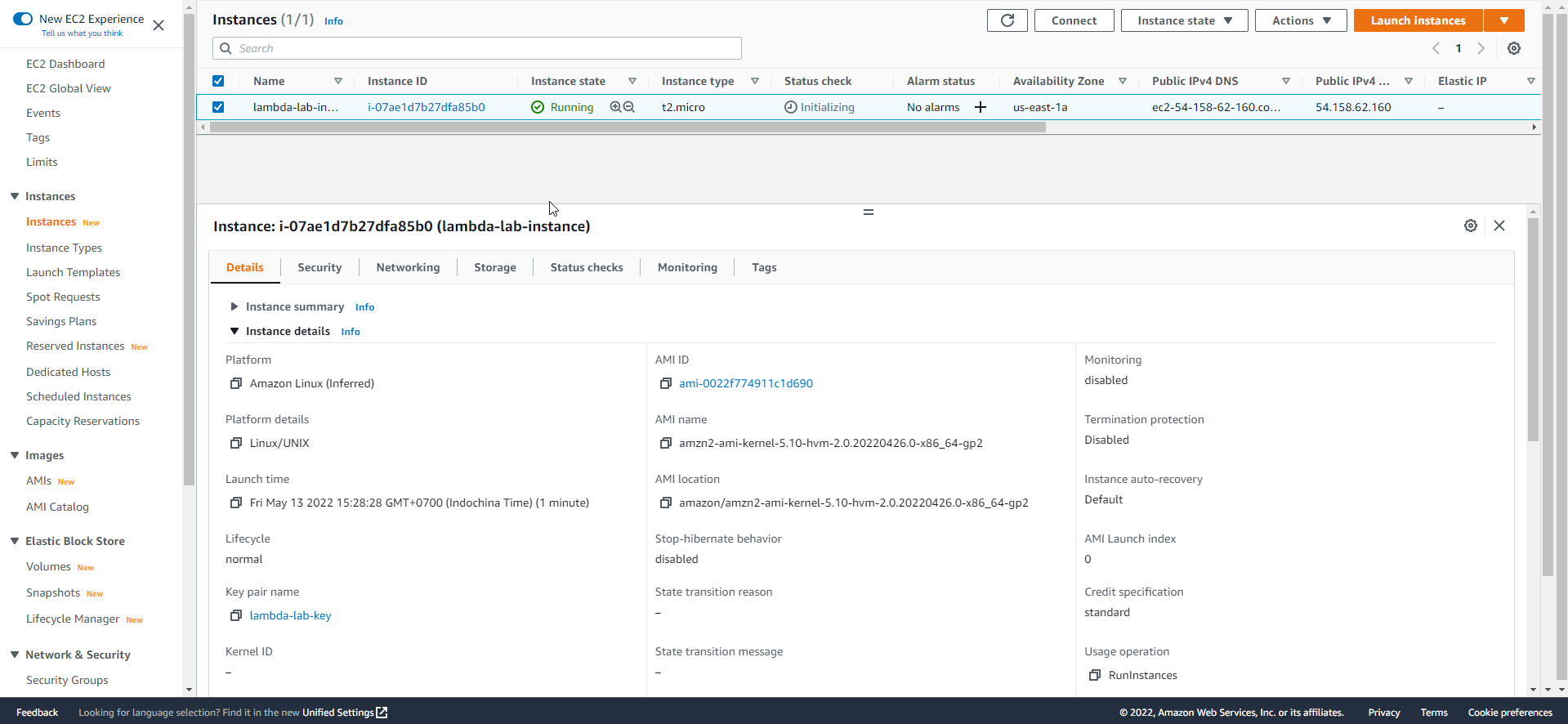
- Check the EC2 interface and the instance state
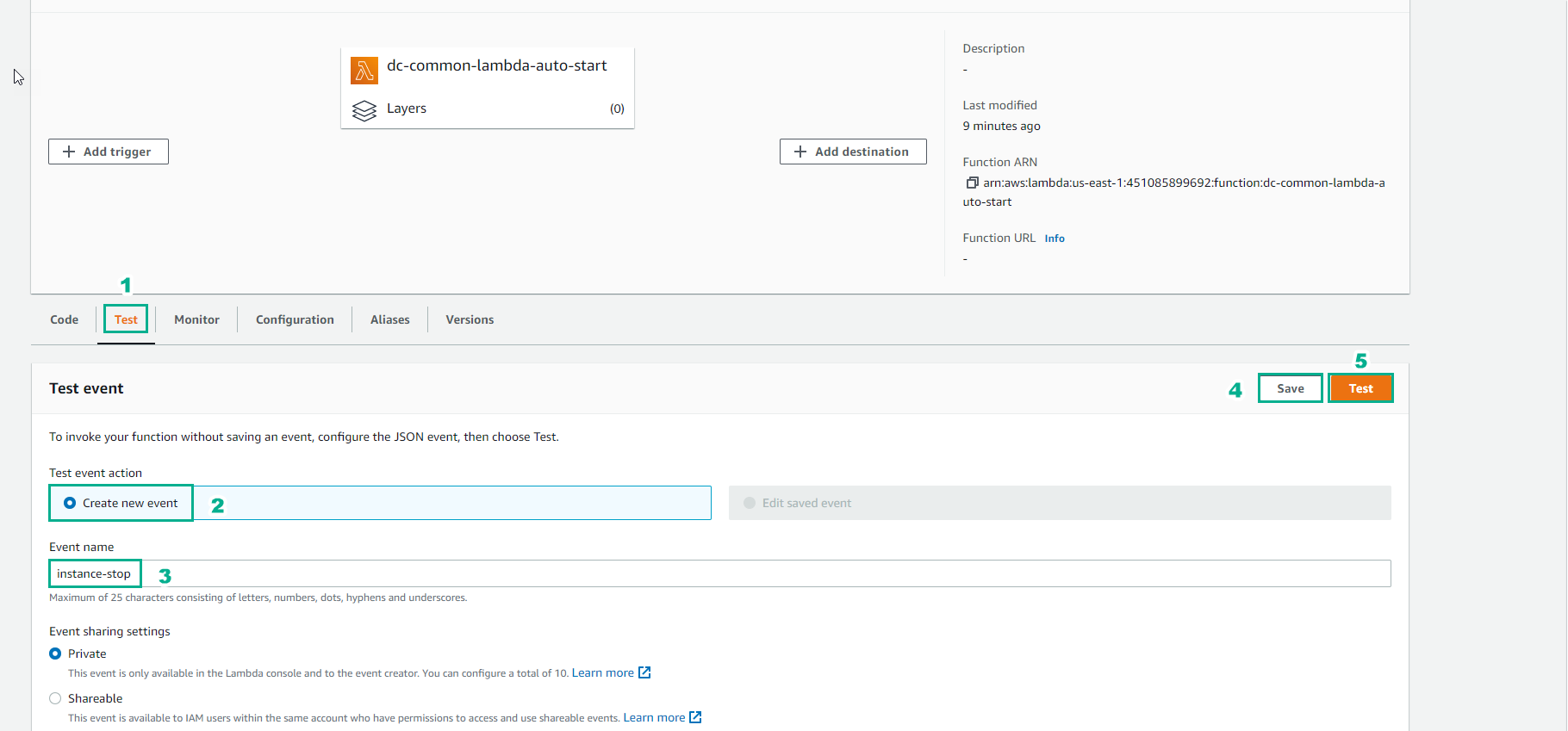
- Go to the Lambda Function that starts instances
- Select Test
- Select Create new event
- Event name, enter
instance-start - Select Save
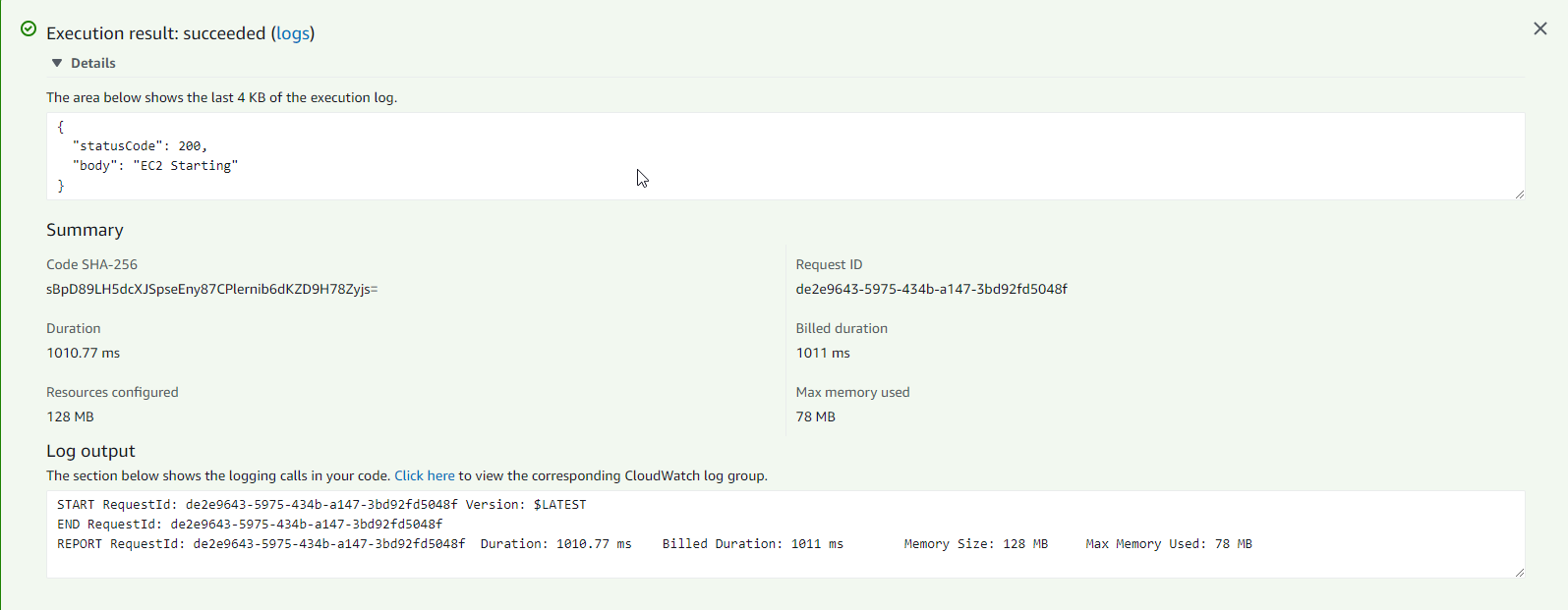
- Select Test
- Result as shown below
- In the Slack workspace, a Starting instance notification is received

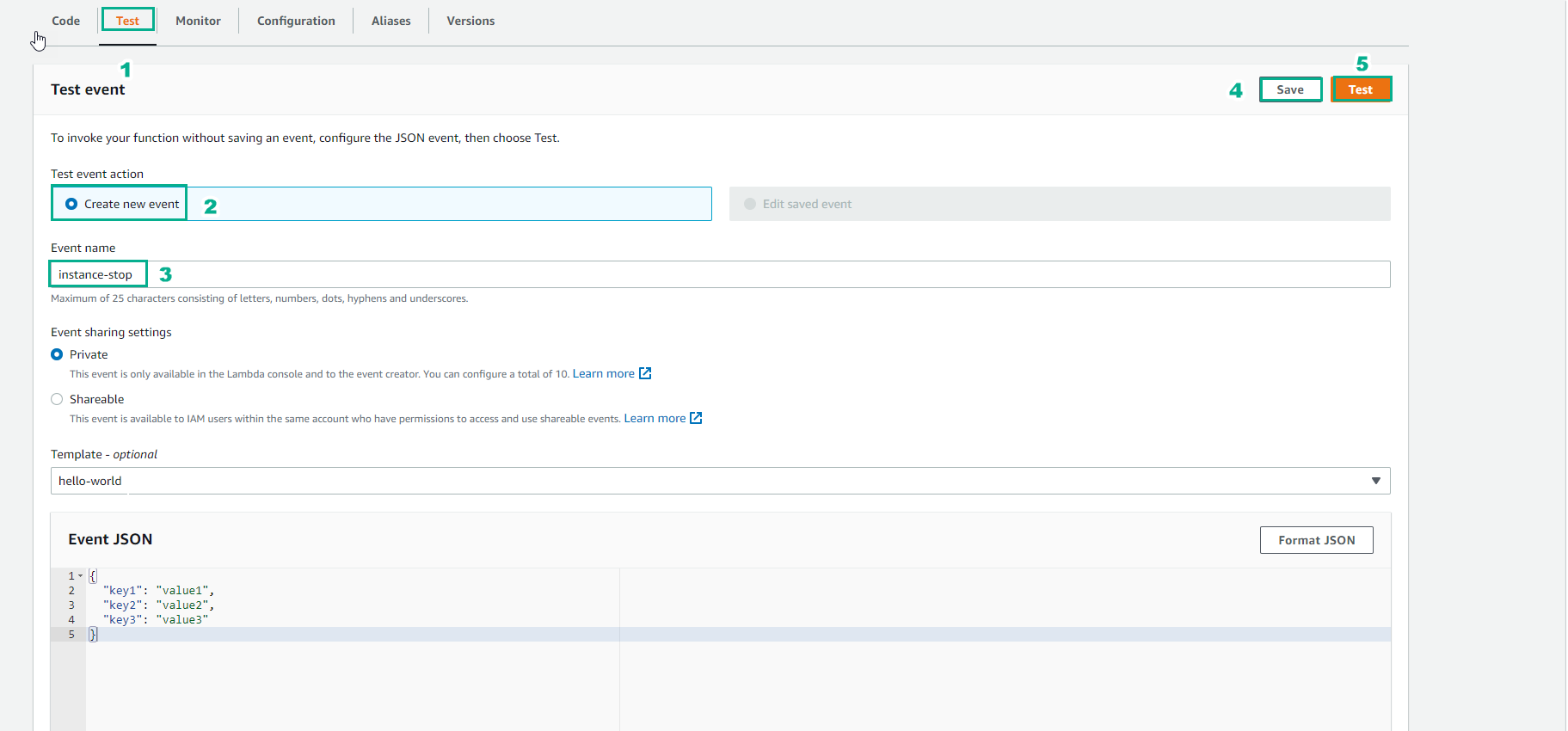
- Similarly, in the Lambda function that stops instances
- Select Test
- Select Create new event
- Event name, enter
instance-stop - Select Save
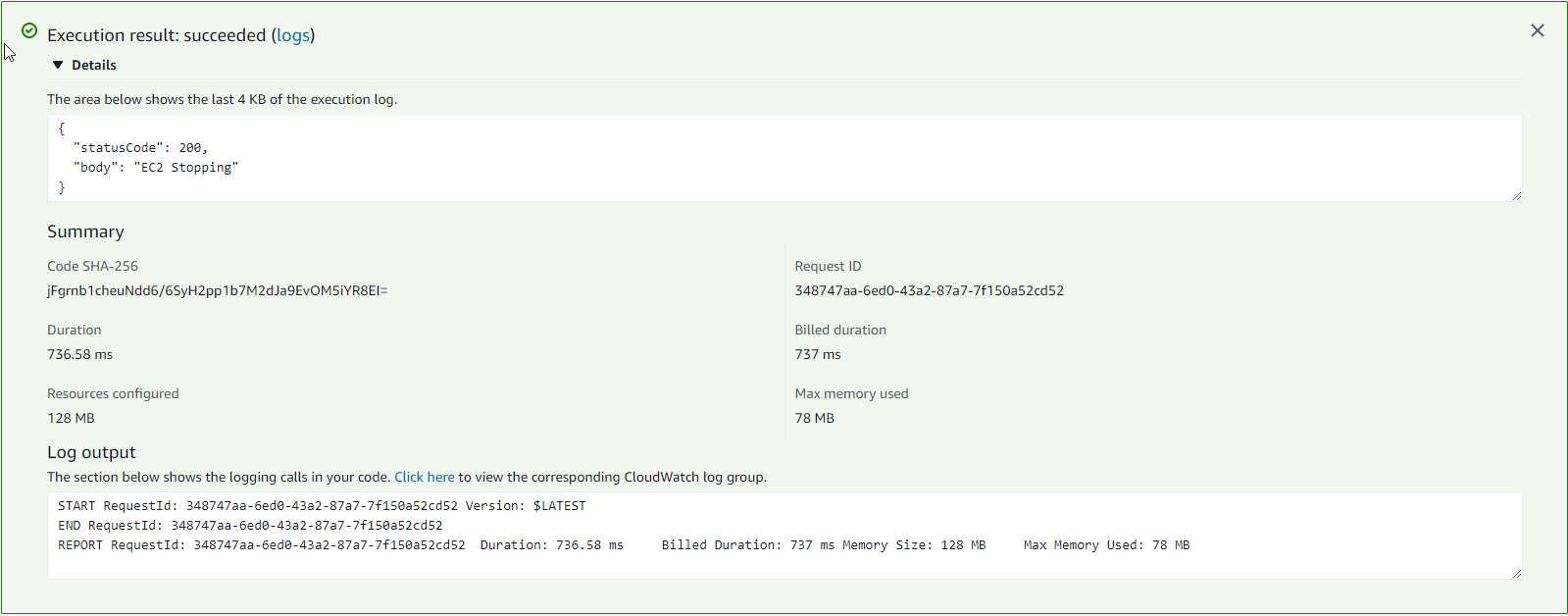
- Select Test
- Result as shown below
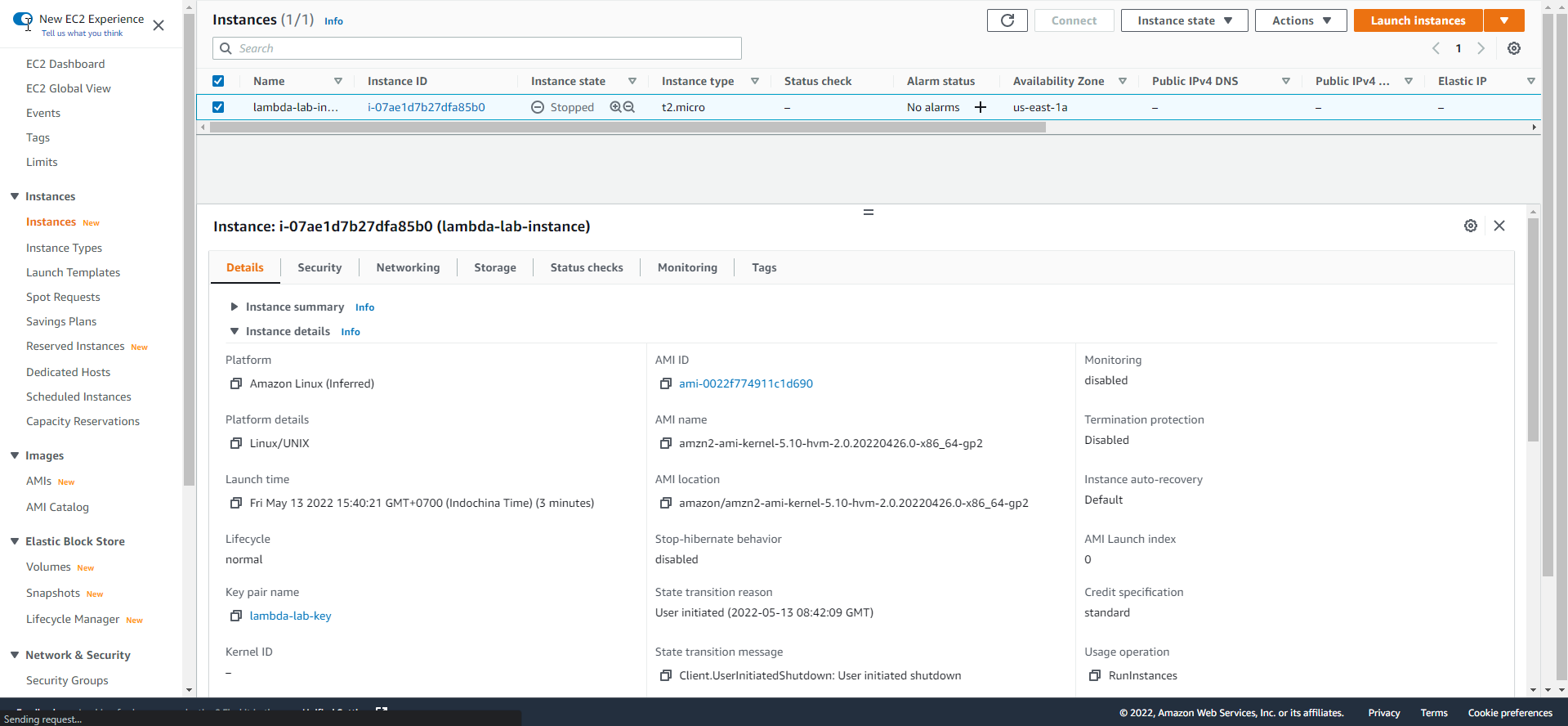
- Check that the instance has changed to the Stopped state
- In the Slack workspace, a Stopping Instance notification is received

- Try start again and check the result